
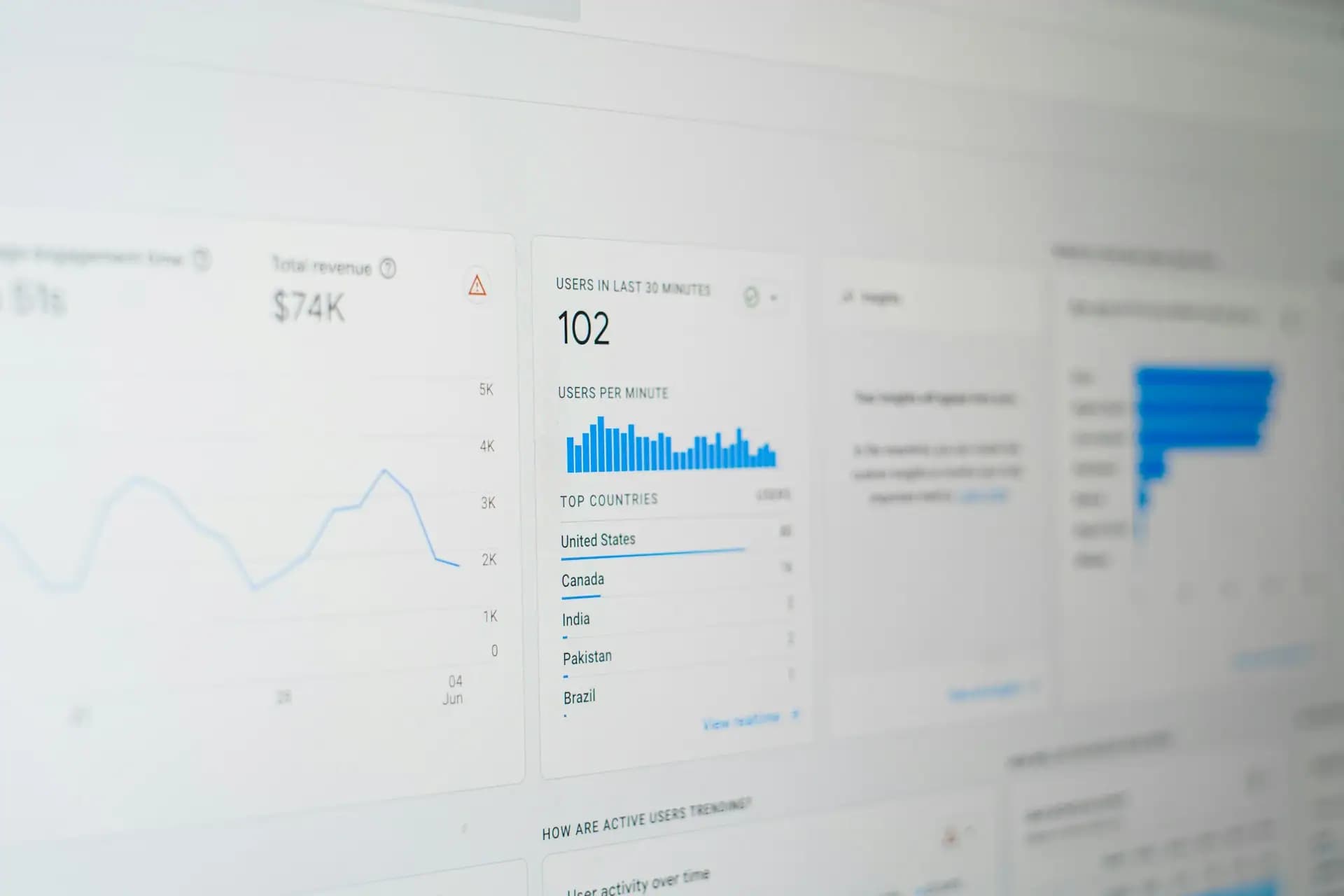
Web Portal Development
Web Portals And Dashboards That Put Everything In One Place
When customers phone for what they could look up themselves, or staff switch between five systems to answer one question, a portal pays for itself. We build secure, role-based portals that bring your data and services together behind one login.
Book a Free Consultation
Give People What They Need Without A Phone Call
- Role-based access control
- Single sign-on available
- Live system integrations
- Audit trails and security
Most organisations don't have a technology problem so much as a joining-up problem. The information exists, but it's spread across a CRM, a finance system, a shared drive and a few important spreadsheets. So customers phone to ask where their order is, partners email for documents, and managers wait until month end to see figures they needed last week.
A web portal brings that together in one secure place. Customers can check orders, download invoices and raise requests at any hour. Partners can register deals and find the latest material. Staff can see what they need for their role, without logging in to five different tools. Each person sees only what they should, controlled by clear roles and permissions.
The difficult part of portal development is rarely the screens. It's connecting reliably to systems that weren't designed to talk to each other, and getting permissions exactly right. We start by mapping your users, your data and the systems behind them, then decide what should be read live, what should be synchronised and what the portal should own. That groundwork prevents the portal from becoming yet another place where the numbers don't match.
We also design for adoption, because a portal nobody logs in to has no value. That means simple navigation, fast dashboards that open on the thing each person checks most often, and a rollout plan that starts with a focused first version. Once that's proving useful, we add to it based on what people actually do.
Portal & Dashboard Development Services
Portals for every audience, connected to the systems you already run.
- 01
Customer Portals
Self-service access to orders, invoices, bookings, documents and support requests, reducing routine calls and giving customers answers at any time.
- 02
Partner & Dealer Portals
Deal registration, pricing, marketing material and training for resellers and dealers, with each partner seeing only their own information.
- 03
Employee Intranets
One place for internal tools, documents, approvals and company news, with sign-in through your existing Microsoft or Google accounts.
- 04
Supplier Portals
Purchase orders, delivery schedules, invoices and compliance documents exchanged securely, replacing long email chains.
- 05
Reporting Dashboards
Live KPIs drawn from your existing systems, with filters and exports, so managers see today's position rather than last month's.
- 06
Client Reporting Portals
Branded areas where your clients can view their results, reports and files, which is especially useful for agencies and professional firms.
- 07
Membership Platforms
Member directories, renewals, event booking and gated content for associations and subscription communities.
- 08
Legacy Portal Replacement
Replacing an ageing portal with a modern one, migrating users and data in stages so nobody is locked out.
Three Things Every Portal Needs
If any of these is missing, the rest doesn't matter much.
- 01
Security Done Properly
Strong authentication, encryption, audit logs and carefully tested permissions, because a portal holds your most sensitive data.
- 02
Data People Trust
Clear rules about where each figure comes from, so nobody ends up going back to their own spreadsheet.
- 03
An Interface People Use
Simple screens designed for the task at hand. If it needs a manual, we haven't finished designing it.
Portal Capabilities
The features that turn a login page into something people rely on.
Roles & Permissions
The right view for each personFine-grained access by role, company, region or account, with an admin area your own team can manage without a developer.
In practice
A manufacturer could give dealers their own pricing, regional managers a view of their dealers, and head office everything.
System Integrations
One view of many systemsConnections to your CRM, ERP, finance and support tools through APIs or middleware, with monitoring so failures are spotted quickly.
In practice
A logistics firm could combine tracking from carriers with invoices from its finance system on one customer screen.
Workflows & Approvals
Replace the email chainsRequests, sign-offs and notifications with a clear record of who approved what and when, so nothing gets lost in an inbox.
In practice
A property company could route maintenance requests from tenants to contractors, with status updates along the way.
Dashboards & Reporting
Answers, not exportsCharts and tables built around the decisions people make, with filters, drill-downs and scheduled reports.
In practice
A sales director could open one dashboard showing pipeline, wins and targets by region, instead of waiting for a monthly report.
How Many Calls Could A Portal Save You?
Tell us what customers or staff ask for most often. We'll show you what a focused first version could look like.
Scope My First VersionHow We Deliver Your Portal
A portal is best delivered in stages, proving its value early and growing from there.
- 01
User & Data Mapping
We identify who needs what, and where that information lives today.
- 02
Integration Review
We test what your existing systems allow before promising anything.
- 03
UX Prototype
Clickable screens let your users try the portal before it's built.
- 04
First Version
We build the highest-value features first, on a secure foundation.
- 05
Security Testing
Permissions are tested thoroughly, with independent testing where needed.
- 06
Rollout & Grow
We launch to a pilot group, learn from real usage, and expand.
Technology Behind Our Portals
Proven, widely supported tools, chosen to fit your systems and your team.
- React
- Next.js
- TypeScript
- Tailwind CSS
- Node.js
- Laravel
- .NET
- PostgreSQL
- Okta
- Microsoft Entra ID
- Google Workspace
- Auth0
- HubSpot
- Salesforce
- NetSuite
- Power BI
Portals For Every Sector
What a portal has to do depends heavily on who uses it.
- 01
Financial Services
Client statements, documents and secure messaging with careful audit trails.
- 02
Healthcare
Patient and staff portals designed around privacy rules.
- 03
Manufacturing
Dealer ordering, technical documents and warranty claims.
- 04
Logistics
Tracking, proof of delivery and invoices for your customers.
- 05
Real Estate
Tenant, owner and contractor portals for property management.
- 06
Education
Student and staff access to grades, timetables and resources.
- 07
Professional Services
Client areas for reports, files and project status.
- 08
Associations
Member directories, renewals and event bookings.
Where A Portal Pays For Itself
The clearest return comes from work you stop doing: phone calls answered by a screen, invoices nobody has to re-send, reports nobody has to assemble by hand. For many organisations, that alone justifies the investment. There's a second benefit in the data, because once customers and staff work in one system, you get a far clearer view of what's going on.
A portal also makes you easier to do business with. When dealers can place orders late in the evening, or clients can check progress without chasing, you become the supplier people would prefer to stay with. That's hard for a competitor to match quickly.

Portal Features Clients Ask For Most
The features that come up in almost every portal we scope.
Document Libraries
The latest versions in one place, controlled by role.
Single Sign-On
Log in with existing company accounts.
Notifications
Email and in-app alerts for what needs attention.
Admin Tools
Manage users and content without a developer.
How To Plan A Portal People Will Actually Use
Begin by listing the questions people ask you most often, and how long each takes to answer. Your support inbox and your account managers will know. Those questions make the best first version of a portal, because every one you automate saves time from the first day, and it gives people a concrete reason to log in. A long feature list drawn up in a meeting is much less reliable than a record of what people actually ask for.
Next, decide where each piece of information lives. For every figure on the proposed dashboard, ask which system is the source of truth, how often it changes and who's allowed to see it. These questions sound dull, yet they're what separates a trusted portal from one where people check the numbers against their own spreadsheet. If two systems disagree today, a portal won't fix that, it will just make the disagreement more visible.
Finally, plan the rollout as carefully as the build. Choose a small group of friendly customers or one department, give them a real reason to switch, and watch how they use it. Make logging in easy, with single sign-on or an email link where appropriate, since password friction quietly kills adoption. And keep a person available for the first few weeks. A little early hand-holding is far cheaper than a portal nobody returns to.
How Much Does A Web Portal Cost?
Our Professional package at £1,870 suits simpler portals with up to three integrations on a CMS foundation. Customer dashboards, role-based management and CRM or ERP integrations usually fall in our Enterprise package, priced on scope. Larger multi-module platforms may fit better with our Custom Software packages, and we'll tell you which applies.
We usually suggest starting with a focused first version. It costs less, proves the value and teaches you what your users really want before you invest further.
See Our PackagesUser Types
Each audience adds its own screens, permissions and testing.
Integrations
The number of systems matters, and so does how well they're documented.
Security Needs
Regulated data, single sign-on and audits add careful engineering.
Workflows
Approvals and business rules take more work than displaying data.
Why Choose Us For Portal Development
What you can expect from working with our team.
We Check Integrations First
We test what your systems can really do before we quote, avoiding expensive surprises.
Security Is Built In
Permissions, encryption and logging are designed at the start, not patched on before launch.
Designed For Adoption
We prototype with real users, because a portal only pays off if people use it.
Phased Delivery
You get something useful early, and each stage earns the next.
One Team
Design, engineering and cloud specialists work together on your project.
Long-Term Support
Portals evolve, and we're here for maintenance and new features after launch.
What A Good Portal Changes
The differences that clients look for after launch.
Fewer Support Calls
Routine questions answer themselves.
Faster Decisions
Live figures replace monthly reports.
Less Admin
Workflows replace email and spreadsheets.
Happier Customers
Information whenever they want it.
Stronger Partners
Easy to sell for, easy to order from.
Better Control
A clear record of who did what.
Web Portals & Dashboards FAQs
What's the difference between a website and a web portal?
A website is mostly public and shares information. A portal sits behind a login and shows each person their own data, such as orders, documents or dashboards, and usually connects to your internal systems.
How much does a web portal cost?
Simpler portals can fit our £1,870 Professional package. Customer dashboards, role-based access and CRM or ERP integrations usually fall in our Enterprise package, priced on scope after discovery.
How long does portal development take?
A focused first version usually takes a couple of months, depending on integrations. Larger portals are delivered in stages. We'll give you a realistic plan after reviewing your systems.
Can the portal connect to our existing systems?
Almost always. We integrate through APIs where available and use middleware or scheduled data feeds where they're not. We check this before quoting.
How do you keep portal data secure?
We use strong authentication, encryption, role-based permissions and audit logs, and test permissions carefully. For regulated data we can arrange independent penetration testing.
Can users log in with their company accounts?
Yes. We can add single sign-on through Microsoft, Google, Okta and other identity providers.
Should we build a portal or buy off-the-shelf?
If an existing product does what you need, buying is often better. Custom portals make sense when you need to combine your own systems, or when the portal is part of how you compete.
How is a portal different from custom software?
A portal is usually a secure front end onto systems you already have. If you need to replace those systems, for example with a bespoke CRM or ERP, our Custom Software Development team is the better fit.
Can you take over and improve our existing portal?
Yes. We review the code and how it's used, fix what's urgent, and then either improve it or plan a staged replacement.

Have A ProjectIn Mind?
Tell us about your project — whether it's a website, an app, SEO or marketing.